Zero-Touch Provisioning: How Cisco Meraki Deploys Branch Offices in Minutes
Zero-Touch Provisioning: How Cisco Meraki Deploys Branch Offices in Minutes, Not Days
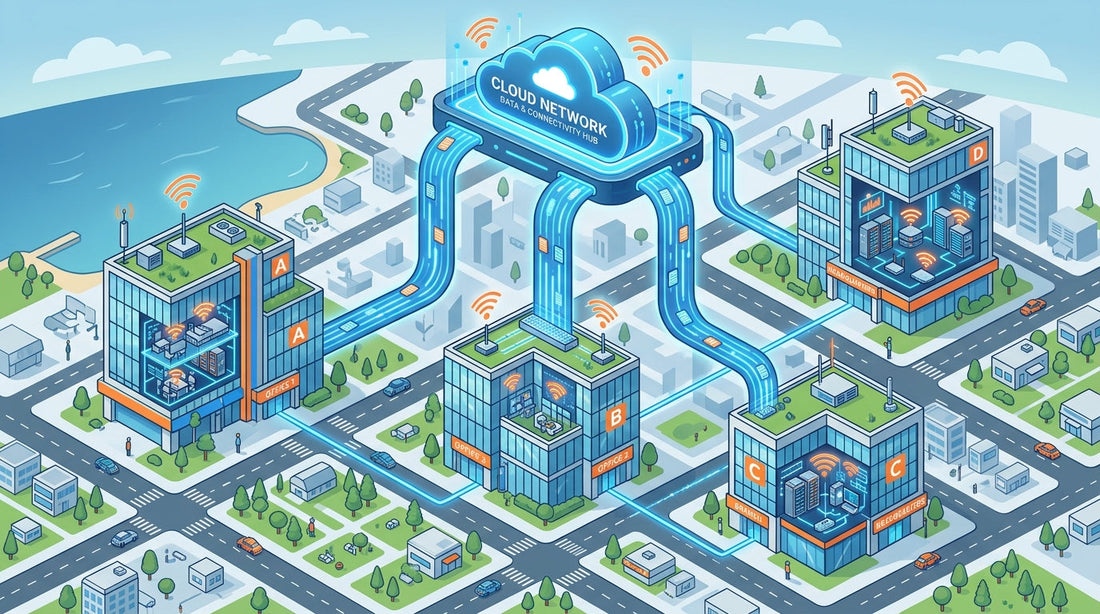
Opening a new branch office used to mean weeks of coordination: shipping hardware, flying out a network engineer, manually configuring every switch port and security policy, and then praying nothing broke on day one. For growing businesses, that process doesn't scale. Cisco Meraki changes the equation entirely — with zero-touch provisioning, a new branch can be online and fully configured within minutes of a non-technical employee plugging in the first device.
"Adding new sites to a network now takes minutes, not hours or days — and there's no need to train additional staff to monitor or manage the remote networks."
— Cisco Meraki Branch Networking Overview
What Is Zero-Touch Provisioning?
Zero-touch provisioning (ZTP) is a deployment model where network devices configure themselves automatically — no on-site IT expertise required. The moment a Meraki device is powered on and connected to the internet, it reaches out to the Meraki cloud, downloads its pre-configured settings, and becomes fully operational. Security policies, VLANs, firewall rules, and even wireless radio configurations are all applied automatically.
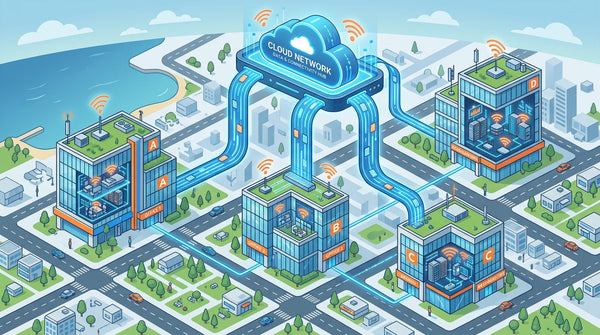
This is made possible by the Meraki Dashboard — a centralized, cloud-based management platform where administrators pre-configure every aspect of a network before the hardware even ships. When the device arrives at a branch office, an untrained employee simply plugs it in. Everything else is handled from the cloud.
Key benefits of zero-touch provisioning include:
- ✓ No on-site IT required — branch deployments don't need a network engineer on location
- ✓ Consistent configuration — every branch gets the same security and network policies, automatically
- ✓ Faster time-to-productivity — new offices are operational in minutes instead of days
- ✓ Reduced human error — automated provisioning eliminates the risk of manual misconfiguration
Centralized Management Across Every Location
Once deployed, all your branch locations appear in a single view inside the Meraki Dashboard. Whether you have 3 offices or 300, you manage them the same way — from any web browser, anywhere in the world. The dashboard provides an organization-wide map, real-time device status, and deep per-site analytics without requiring on-site access.
The cloud-managed switches and wireless access points at each branch continuously send health data back to the dashboard. When something needs attention — a failed link, an overloaded AP, abnormal traffic — you are alerted instantly via email or mobile notification, and you can often resolve it remotely without ever dispatching a technician.
Administrators can also use network tagging to manage bulk configurations. Tag a group of networks by region, type, or policy, and push configuration changes to all of them at once. Need to update firewall rules across every retail location in the southeast? One change in the dashboard, applied everywhere in seconds.
Auto VPN: Site-to-Site Security Without the Complexity
One of the most powerful features in the Meraki stack is Auto VPN — the ability to establish secure, encrypted tunnels between all your branch offices and headquarters with a single click. Traditional site-to-site VPN requires complex configuration: route discovery, certificate management, tunnel parameters. With Meraki MX Security Appliances, all of that is handled automatically by the cloud.
Enable Auto VPN on any MX appliance and it immediately discovers the other MX devices in your organization, negotiates IPsec tunnels, and begins routing traffic securely — no configuration headaches, no compatibility matrix to decipher. Split tunneling and full tunneling are configured via a simple drop-down menu.
What this means in practice:
- ✓ New branch offices are automatically added to your VPN mesh — no manual peering
- ✓ Branch-to-HQ traffic is always encrypted over IPsec, regardless of WAN type
- ✓ VPN health and latency are visible in real time from the dashboard
- ✓ Remote and teleworker devices connect securely via the Meraki Z4C Teleworker Gateway
Ongoing Management: Diagnostics, Updates, and Control at Scale
Zero-touch provisioning isn't just about the initial deployment — it changes how you manage your network for its entire lifecycle. Firmware updates are delivered seamlessly from the cloud. Administrators schedule a maintenance window, and devices download and install the update automatically. No visiting branch locations, no manual upgrade procedures, no version compatibility concerns.
Built-in remote diagnostic tools let IT teams troubleshoot from headquarters. Check live RF conditions at a remote access point, run a ping or throughput test to a branch device, or identify which client is consuming bandwidth — all from within the dashboard, in real time. When a problem arises, most issues can be resolved without ever rolling a truck.
Role-based administration ensures that the right people have the right level of access. Grant a regional manager read-only access to their locations, give your MSP partner limited configuration rights, and maintain full control at the organizational level. Every change is logged — who made it, when, and from where.
For businesses managing distributed networks at scale, the combination of zero-touch deployment, centralized visibility, auto VPN, and seamless firmware management represents a fundamental shift in how IT is delivered. It is the kind of efficiency that lets a two-person IT team manage 50 locations without losing sleep.
Ready to simplify your branch deployments? Shop Cloud-Managed Networking
Managing 40 switches across 12 locations from a single dashboard cut our network admin time by 70 percent. Cloud management changed everything for us.
Why Businesses Choose Cloud-Managed Switching
Enterprise switching that deploys in minutes and manages itself from anywhere in the world.
Zero-Touch Deployment
Ship a switch to any location and it self-configures from the cloud. No on-site IT required for new offices or store openings.
Learn More ›Stacking & Redundancy
Virtual stacking across your entire network with automatic failover. Enterprise resilience without enterprise complexity.
Learn More ›Smart PoE Management
Power access points, cameras, and phones directly from the switch. Intelligent PoE budgeting ensures critical devices always stay powered.
Learn More ›The Power of the Meraki Dashboard
At the heart of Cisco Meraki is an intuitive cloud dashboard that unifies wireless, switching, security, and IoT management into a single view. IT teams can manage their entire distributed infrastructure from anywhere.
- Real-time visibility into network health and client connectivity
- AI-powered analytics that predict issues before they impact users
- Automated firmware updates and security patching
- Role-based access control and audit logging

Zero-touch provisioning means we ship a switch to a new store and it configures itself. Our network team supports 200 sites without leaving the office.
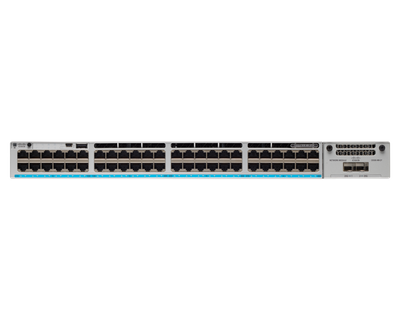
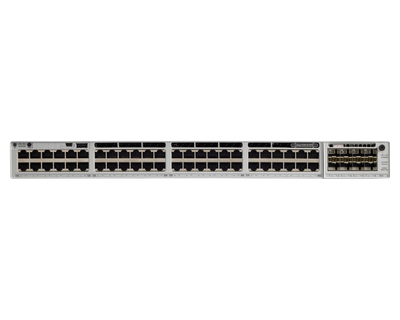
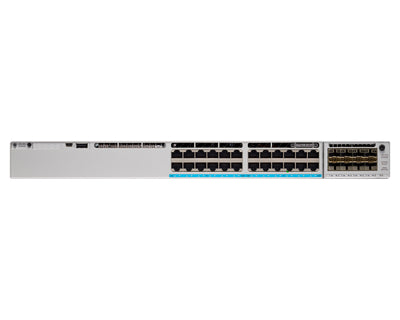
Featured Cloud-Managed Products
Cloud-managed switches and networking infrastructure by Cisco Meraki.
Seamless Integration with Your IT Stack
Meraki works alongside the collaboration, security, and productivity tools your team depends on.
- VPN integration with major identity providers
- SAML and RADIUS authentication support
- MDM and endpoint management compatibility
- Open APIs for custom automation workflows
Ready to simplify your network?
Discover how Cisco Meraki cloud-managed networking can transform your business IT infrastructure.
Contact UsThis article was originally published on meraki.deal, the Novbox Cisco Meraki online store.


Comments
Post a Comment