7 Signs Your Business Network Needs an Upgrade (And How to Fix It)
7 Signs Your Business Network Needs an Upgrade (And How to Fix It)
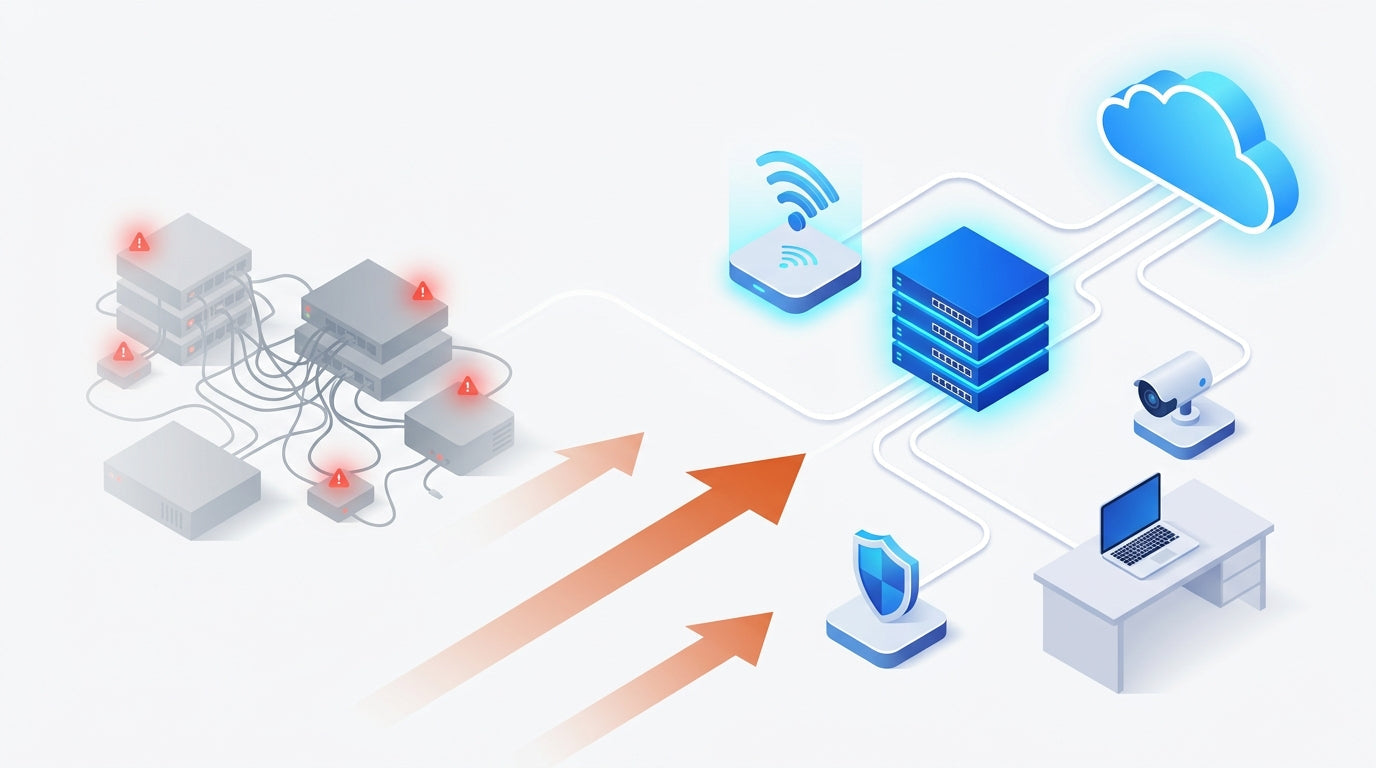
Your business has grown. Your network hasn’t. That mismatch quietly taxes every team, every day — dropped video calls, sluggish file transfers, weird Wi-Fi dead zones near the conference room, and the uneasy feeling that you’re one bad afternoon away from a real outage. The tricky part? Aging infrastructure rarely fails loudly. It fails gradually, until one day you realize you’re spending more money patching old gear than it would cost to replace it.
If your network was designed for the business you had five years ago, it’s probably holding back the business you have today. Modernization isn’t a luxury — it’s a competitive requirement.
Here are seven signs your business network is due for an upgrade — and the practical fix for each one. If you recognize even three of these in your own environment, it’s time to start planning a refresh before your infrastructure forces the decision for you.
1. You’re Still Managing Devices One at a Time
If rolling out a simple firewall rule, firmware update, or VLAN change means logging into each device individually at each site, your team is burning hours on work that should take minutes. Legacy networks scale by adding labor; modern networks scale by adding intelligence.
The fix: Move to a cloud-managed platform. With the Meraki dashboard, every switch, access point, firewall, and camera across every location lives in a single pane of glass. Push a policy once, and it lands everywhere in seconds.
- ✓ Zero-touch provisioning — ship a device to a new site and it self-configures
- ✓ Centralized firmware management with automatic rollbacks
- ✓ Role-based admin access and full audit logs
2. Your Wi-Fi Can’t Keep Up With Your Workforce
Video calls stutter in certain rooms. The guest network feels faster than the employee network. People quietly tether to their phones because it’s less frustrating. Those are all symptoms of access points that were sized for 2018 device density — before every employee had a laptop, a phone, a headset, and a tablet on the network simultaneously.
The fix: Upgrade to modern Wi-Fi 6/6E/7 access points with self-optimizing radios. They handle high device density, deliver gigabit speeds to every user, and automatically tune themselves around interference so you don’t have to.
3. You Have No Real Visibility Into What’s on Your Network
Ask your IT team: how many devices are on the network right now? If the answer is a shrug or “let me check later,” that’s a serious gap. You can’t secure what you can’t see, and shadow IT — personal laptops, rogue IoT devices, unauthorized cameras — is the entry point for a surprising number of breaches.
The fix: A modern network platform fingerprints every connected client automatically, flags unknown devices, and lets you quarantine them in a click. Pair it with cloud-based analytics and you can see exactly which apps are consuming bandwidth on any device, at any site, in real time.
- ✓ Automatic device classification (Mac, Windows, iOS, IoT, etc.)
- ✓ Per-client traffic reporting and application visibility
- ✓ Alerts the moment an unknown MAC address appears
4. Every Site Has a Different Setup
The Vegas office has one brand of firewall, the Reno branch has another, and that new location you opened last quarter is running a consumer-grade router from a big-box store. Every site is a snowflake, every outage is a new investigation, and every new hire on your IT team needs a month to learn the lay of the land.
The fix: Standardize on one vendor across all locations. Multi-site businesses gain enormous leverage from consistency — the same security appliances, the same switches, the same access points, all configured from the same dashboard. Troubleshooting times drop, and onboarding new sites becomes a template.
5. Remote and Hybrid Work Still Feels Like an Afterthought
Three years into the hybrid-work era, plenty of businesses are still duct-taping remote access together with consumer VPNs and personal routers. That approach burns help-desk hours and opens security holes that shouldn’t exist in 2026.
The fix: Extend the corporate network into every home office with purpose-built hardware. The Meraki Z4C Teleworker Gateway puts a fully managed enterprise connection on any remote employee’s desk — same policies, same security, same dashboard visibility as headquarters. Ship it, plug it in, done. See the full approach on our Remote Workforce page.
6. Your Security Is Reactive, Not Proactive
If your “security strategy” is mostly a firewall you configured three years ago and an antivirus license you renew once a year, you’re behind the threat landscape. Modern attacks — ransomware, phishing, credential theft — are automated, constant, and indiscriminate about company size. Small businesses are targeted more often than large ones, precisely because they’re easier.
The fix: Deploy next-generation firewalls with integrated threat protection, content filtering, and automated SD-WAN. Layer in smart cameras and environmental sensors to cover physical security too. Everything updates itself against new threats the moment they’re identified — no waiting, no manual patching.
- ✓ Advanced Malware Protection (AMP) on every packet
- ✓ Automated site-to-site VPN with failover in seconds
- ✓ Real-time threat intelligence from Cisco Talos
7. Every Outage Turns Into a Fire Drill
When a switch dies, a circuit drops, or a firewall reboots itself at 2 a.m., what happens? If the answer involves a panicked phone tree, a drive to the office, and a lot of guessing, your network isn’t resilient enough for the business depending on it. Uptime is not optional, and the cost of a day offline — lost revenue, lost trust, lost productivity — almost always dwarfs the cost of building proper redundancy.
The fix: Design for failure. Redundant uplinks, automatic cellular failover on every circuit, and cloud-managed hardware that alerts your team before users even notice a problem. With the Meraki dashboard, many issues are diagnosed and resolved remotely before anyone has to drive anywhere.
What to Do Next
If you read this list and winced, you’re not alone. Most small and mid-sized businesses are running at least some infrastructure that’s past its prime — and most put off the refresh until something breaks. The smarter move is to plan the upgrade on your timeline, not your outage’s timeline. A modern cloud-managed network pays for itself in reduced help-desk hours, fewer incidents, and the simple ability to scale without friction.
Novbox is a Las Vegas-based managed IT provider. We help U.S. businesses modernize their networks end-to-end — assessment, design, procurement, deployment, and ongoing management — so you can focus on running the business instead of fighting the plumbing. Get in touch for a no-pressure conversation about where your network is today and where it needs to be.
Cloud networking has completely transformed how we manage IT across our 15 locations. What used to take weeks now happens in minutes.
Why Businesses Choose Cloud Networking
The Meraki platform delivers enterprise-grade networking with consumer-grade simplicity.
Single Dashboard
Monitor and manage your entire network — switches, access points, firewalls, cameras — from one intuitive cloud interface.
Learn More ›Built-In Security
Every device includes next-gen firewall, intrusion detection, and automatic firmware updates. Zero-trust security by default.
Learn More ›Scale Without Limits
Add new locations, floors, or remote workers instantly. Zero-touch provisioning means hardware self-configures from the cloud.
Learn More ›The Power of the Meraki Dashboard
At the heart of Cisco Meraki is an intuitive cloud dashboard that unifies wireless, switching, security, and IoT management into a single view. IT teams can manage their entire distributed infrastructure from anywhere.
- Real-time visibility into network health and client connectivity
- AI-powered analytics that predict issues before they impact users
- Automated firmware updates and security patching
- Role-based access control and audit logging

Deploying secure remote access for 500 employees took hours, not weeks. The cloud dashboard makes ongoing management effortless.
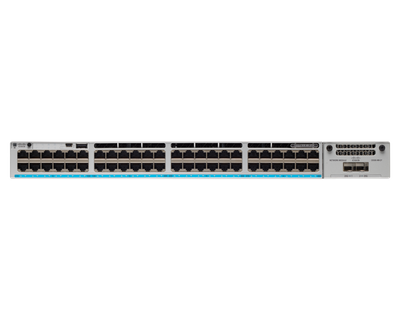
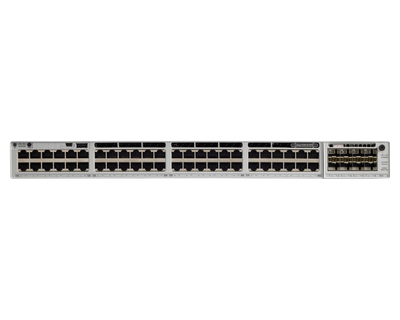
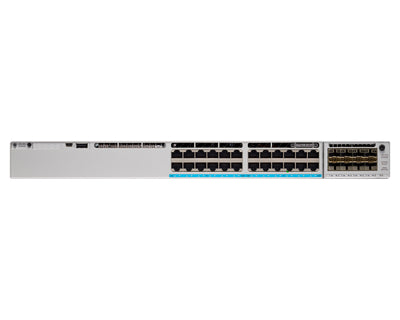
Featured Networking Products
Enterprise-grade Cisco Meraki networking products for your business.
Seamless Integration with Your IT Stack
Meraki works alongside the collaboration, security, and productivity tools your team depends on.
- VPN integration with major identity providers
- SAML and RADIUS authentication support
- MDM and endpoint management compatibility
- Open APIs for custom automation workflows
This article was originally published on meraki.deal, the Novbox Cisco Meraki online store.


Comments
Post a Comment