SD-WAN Explained: How Cisco Meraki Connects Multi-Site Businesses Without the Headache
SD-WAN Explained: How Cisco Meraki Connects Multi-Site Businesses Without the Headache
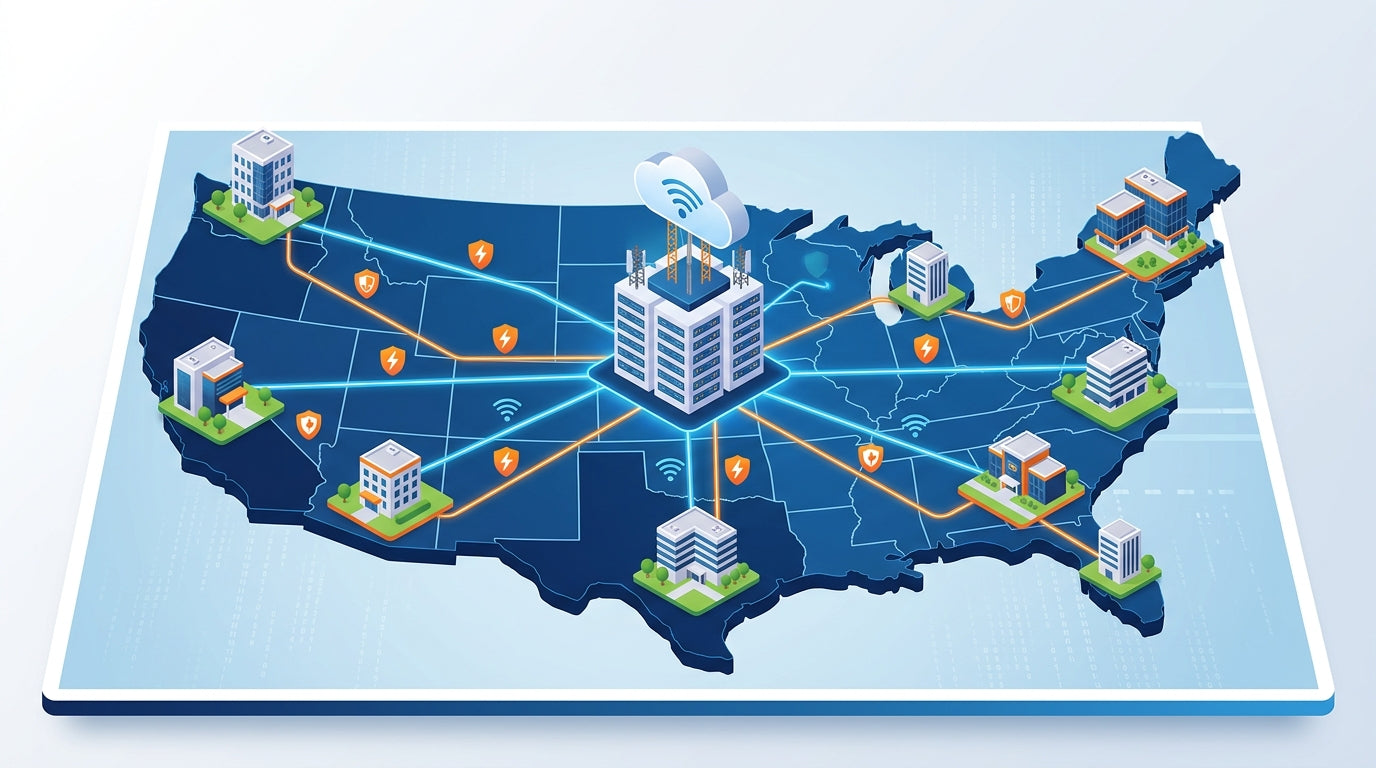
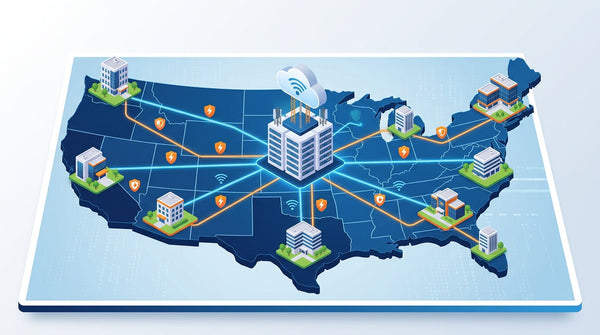
Running a business across multiple locations used to mean choosing between two painful options: pay a fortune for private MPLS circuits or duct-tape together a mess of VPN tunnels and hope nothing breaks during a video call. Cisco Meraki SD-WAN collapses that trade-off. With the Meraki MX security appliances, every branch office, retail store, clinic, or remote site connects to headquarters and the cloud over ordinary broadband, LTE, or fiber — and the network intelligently steers each packet over the best-performing link in real time.
SD-WAN isn’t just a cheaper alternative to MPLS. It’s the difference between a network that reacts to problems and one that routes around them before your users ever notice.
For growing U.S. businesses, this matters more than ever. Voice calls, SaaS apps, cloud backups, and video conferencing now share the same pipe as everyday traffic. One glitchy circuit at a branch location can tank productivity for everyone. Meraki SD-WAN fixes that problem at the network layer — without forcing your team to become network engineers.
What SD-WAN Actually Does (in Plain English)
Traditional WANs treat every network path the same. If a connection is up, traffic goes over it, period. SD-WAN adds a layer of intelligence that continuously measures the health of every available link and dynamically chooses the best one for each application. Voice and video get the lowest-latency path. Big file transfers get the fattest pipe. And if a circuit starts dropping packets mid-call, traffic fails over in sub-second time.
Here’s what that looks like in practice with Meraki MX:
- ✓ Auto VPN — site-to-site VPN tunnels between locations set up automatically with a few clicks. No manual IPsec configuration, no certificate headaches.
- ✓ Dynamic Path Selection — the MX constantly measures latency, jitter, and packet loss across each uplink and routes traffic over the healthiest path for each application.
- ✓ Dual-Active WAN + LTE Failover — run two broadband links side-by-side, with a cellular gateway as a third backup, for true always-on connectivity.
- ✓ Application-Aware Policies — prioritize Microsoft Teams, Zoom, QuickBooks, or your POS system by name, not by cryptic port numbers.
- ✓ Zero-Touch Deployment — ship a new MX to a branch, a non-technical employee plugs it in, and the Meraki Dashboard configures it automatically.
Why Multi-Site Businesses Are Switching to SD-WAN
MPLS circuits can cost $500 to $1,500 per month per site — per location. Multiply that across ten retail stores or twenty clinics and the math stops working fast. SD-WAN lets you replace or augment MPLS with commodity broadband (cable, fiber, or 5G) while keeping the reliability and performance businesses actually need. The result is usually 50–70% lower WAN costs with better application performance, not worse.
But the real win isn’t just the price tag. It’s the operational simplicity:
- ✓ One dashboard manages every site, from a downtown flagship to a pop-up location in another state.
- ✓ Firmware updates, policy changes, and new-site rollouts happen centrally — no truck rolls.
- ✓ Built-in reporting shows exactly how each app and each site are performing, all the way down to individual WAN links.
- ✓ When something does go wrong, the dashboard tells you exactly what and where — often before users call the help desk.
Security and SD-WAN Are the Same Conversation
A big reason to pick Meraki for SD-WAN is that the MX isn’t just a router with traffic-steering features bolted on. It’s a full next-generation firewall with intrusion prevention, Advanced Malware Protection (AMP), content filtering, and site-to-site VPN all running on the same box. You don’t stitch SD-WAN together with a separate firewall, a separate VPN concentrator, and a separate content filter. It’s one appliance, one dashboard, one license.
That matters because every branch office you connect is a potential attack surface. Meraki SD-WAN brings zero-trust principles to the WAN: every site authenticates, every tunnel is encrypted, and every flow can be inspected for threats. Combined with cloud-delivered security through Cisco Umbrella or Cisco+ Secure Connect, you get a consistent security posture whether users are at HQ, at a branch, or working from a coffee shop.
The network is the security perimeter. Treating SD-WAN and security as separate products is how organizations end up with gaps that attackers exploit.
What Novbox Brings to the Table
Most businesses don’t have a full-time network engineer on staff — and that’s fine, because Meraki was designed so they don’t need one. But getting the initial design right, choosing the right MX model for each site, writing sensible firewall and traffic-shaping policies, and watching the dashboards day-to-day is still real work. That’s where we come in.
As your outsourced IT department, Novbox handles the entire SD-WAN lifecycle:
- ✓ Site-by-site design so each MX model fits the bandwidth and user count it serves.
- ✓ Rollout, deployment, and zero-touch configuration for every new location.
- ✓ Policy tuning for your specific apps — from Microsoft 365 to VoIP to your POS or EMR system.
- ✓ Proactive monitoring, 24/7 alerting, and fast local response from our Las Vegas team.
- ✓ Flat-rate managed service plans so you always know what IT costs, with no surprise bills.
The payoff is a network you don’t have to think about. Branch offices come online faster. Cloud apps run smoother. Security is consistent across every site. And when something changes — a new location, a new app, a bigger team — the whole thing scales without a forklift upgrade.
Since deploying Meraki security appliances, we have blocked over 10,000 threats per month automatically. Our team sleeps better at night knowing the network defends itself.
Why Businesses Trust Meraki Security
Enterprise-grade threat protection that deploys in minutes and manages itself from the cloud.
Advanced Threat Protection
Next-gen firewall with intrusion detection, malware filtering, and Cisco Talos threat intelligence built into every MX appliance.
Learn More ›Automated VPN
Site-to-site and client VPN configured in clicks, not hours. Auto VPN creates secure tunnels between locations with zero manual configuration.
Learn More ›Content Filtering
Granular web filtering, geo-IP blocking, and application-layer controls keep your network safe and compliant without extra hardware.
Learn More ›The Power of the Meraki Dashboard
At the heart of Cisco Meraki is an intuitive cloud dashboard that unifies wireless, switching, security, and IoT management into a single view. IT teams can manage their entire distributed infrastructure from anywhere.
- Real-time visibility into network health and client connectivity
- AI-powered analytics that predict issues before they impact users
- Automated firmware updates and security patching
- Role-based access control and audit logging

We replaced three separate security vendors with one Meraki MX appliance per site. Simpler to manage, better protection, and half the cost.
Featured Security Products
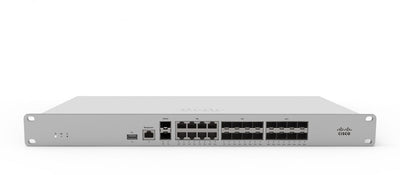
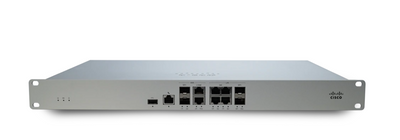
Protect your network with these Cisco Meraki security appliances.
Seamless Integration with Your IT Stack
Meraki works alongside the collaboration, security, and productivity tools your team depends on.
- VPN integration with major identity providers
- SAML and RADIUS authentication support
- MDM and endpoint management compatibility
- Open APIs for custom automation workflows
This article was originally published on meraki.deal, the Novbox Cisco Meraki online store.


Comments
Post a Comment